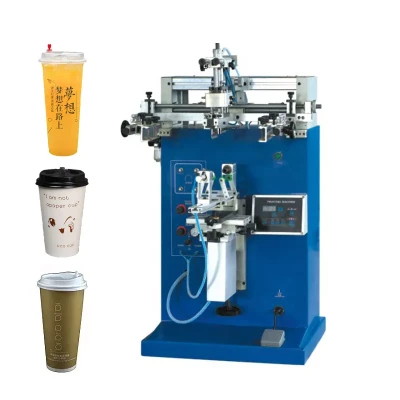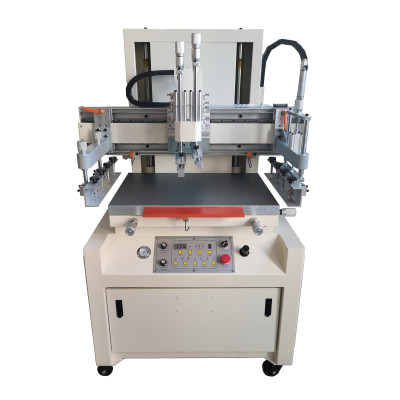
Screen Printing Machine Maintenance Guide
Introduction
A Screen Printing Machine is a major capital investment, and its long-term performance depends far more on routine care than on the purchase price. Without a clear maintenance plan, even a high-end unit can suffer misalignment, ink buildup, and premature failure. This guide walks through the practical steps manufacturers use to keep equipment at peak output.
Why Routine Maintenance Matters
Preventive maintenance is the difference between predictable uptime and costly emergency repairs. A well-serviced screen printing machine delivers sharper registration, steadier ink coverage, and lower reject rates. Treating maintenance as a scheduled discipline keeps output stable month after month.
Daily Cleaning After Each Shift
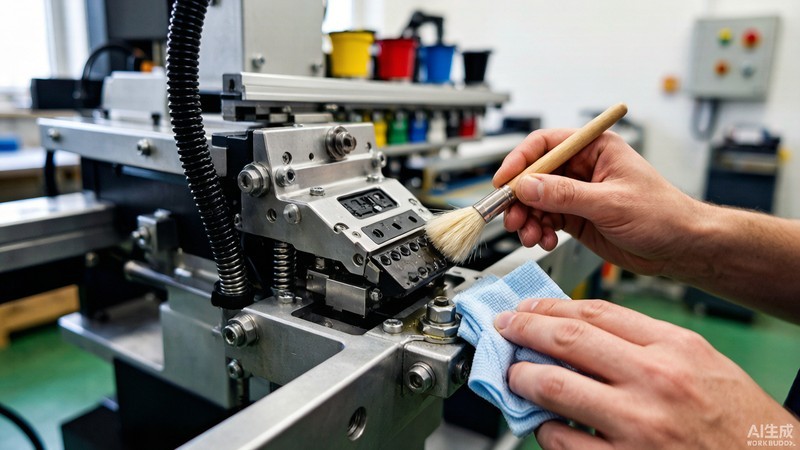
Cleaning at the end of every shift is the single most effective habit. Residual ink hardens quickly and degrades registration accuracy, so a short routine pays off all week. Follow these three steps before powering down.
- Wipe the squeegee and screen frame with a lint-free cloth and approved solvent.
- Brush dust from guide rails and the print head housing.
- Check screen tension and store screens in a clean, dry rack.
Weekly Inspection of Key Components
Each week, inspect belts, clamps, sensors, and screen tension. Loose fasteners and worn belts are the most common sources of drift. A short checklist completed by the operator catches small issues before they become production stoppages.
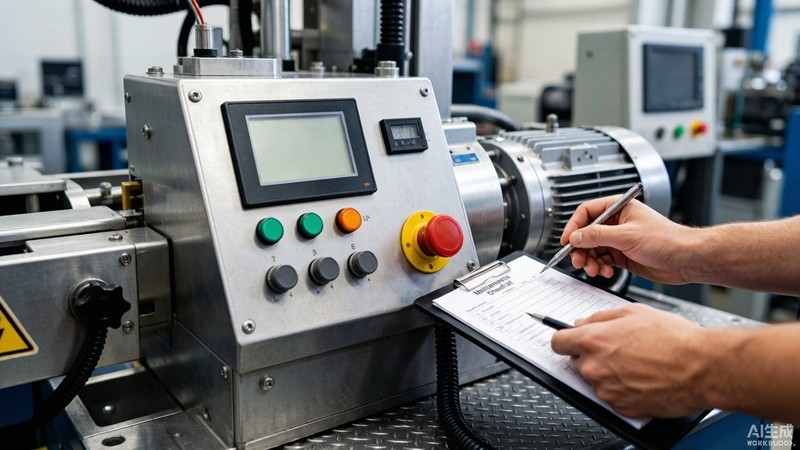
Lubrication and Mechanical Care
Moving rails, bearings, and lead screws need periodic lubrication with the grade specified in the service manual. Over-lubrication attracts dust, so follow the recommended intervals. Proper mechanical care keeps motion smooth and quiet, which directly improves print consistency.
Pro tip: Log every lubrication date on the machine record card—consistent intervals prevent both dryness and grime buildup.
Calibration and Print Alignment
Monthly calibration of the X-Y table and squeegee pressure maintains tight registration on cylindrical and flat substrates. Document each result so trends are visible. CooPrinter units include servo-driven controls that make repeatable alignment across long runs straightforward.
Common Wear Parts to Replace
Squeegee blades, screen meshes, and pressure pads wear with use. Track their cycle counts and replace them on schedule rather than at failure. Keeping a small stock of consumables avoids unplanned downtime during peak order periods.
Electrical and Software Maintenance
Keep control panels free of dust and verify firmware is current. Back up machine recipes and parameters regularly. Stable software and clean contacts prevent erratic behavior that is difficult to diagnose on the line.
Building a Preventive Maintenance Schedule
Combine daily, weekly, and monthly tasks into one calendar owned by a responsible technician. CooPrinter supports buyers with clear service guidelines and responsive technical support, making it easier to standardize care across multiple machines.
Daily
Clean print head, squeegee, and screen; quick visual check.
Weekly
Inspect belts, clamps, sensors, and screen tension.
Monthly
Calibrate alignment, lubricate, and back up settings.
Conclusion
Reliable output starts with disciplined care. By cleaning daily, inspecting weekly, and calibrating monthly, you protect both print quality and your investment. For durable, operator-friendly equipment and dependable after-sales service, explore the CooPrinter product range and keep your screen printing machine performing at its best.